Infrastructure
Real machines your agents can break.
Then you throw them away.
Every agent works inside its own DevBox: a disposable, isolated environment that runs as a container or as a full VM. Each one comes with a live terminal you can take over at any moment, and an optional real desktop when the work needs a screen. Run them on your own fleet, on our cloud workers, or on both at once, under Linux or real Windows. When a DevBox has done its job you throw it away, and the mess goes with it.
The Primitive
One DevBox.
A whole machine for your agent.
Every task gets its own isolated DevBox — a container or full VM with a live terminal you can open at any time. Pick the AI runtime, add the languages and tools you need, flip on a full visual desktop, and choose Linux or Windows. Your agent doesn’t work in a sandbox bolted onto a chat window — it works in a machine. And it’s ready in seconds — a full environment waiting on a live terminal, not a cold VM you sit and watch boot.
Full breakdown in the docs: runtime catalog · build an image from a DevBox.
Isolation
Worktrees share your machine. DevBoxes don't.
Git worktrees
Great for one repo- Parallel branches, one checkout each
- Still your filesystem, tools, and env
- Capped at your one machine
Subagents
Great for one session- Many agents, one process
- Share everything, output interleaves
- Capped at one context window
AI DevBox
When you want isolation + scale- A full disposable machine per task
- Zero blast radius + live terminal each
- Strict security profiles, out of the box
- Scales across your fleet + cloud
- The safe place for auto-mode
Worktrees and subagents are great tools — DevBoxes add machine-level isolation and multi-machine scale for when you need them.
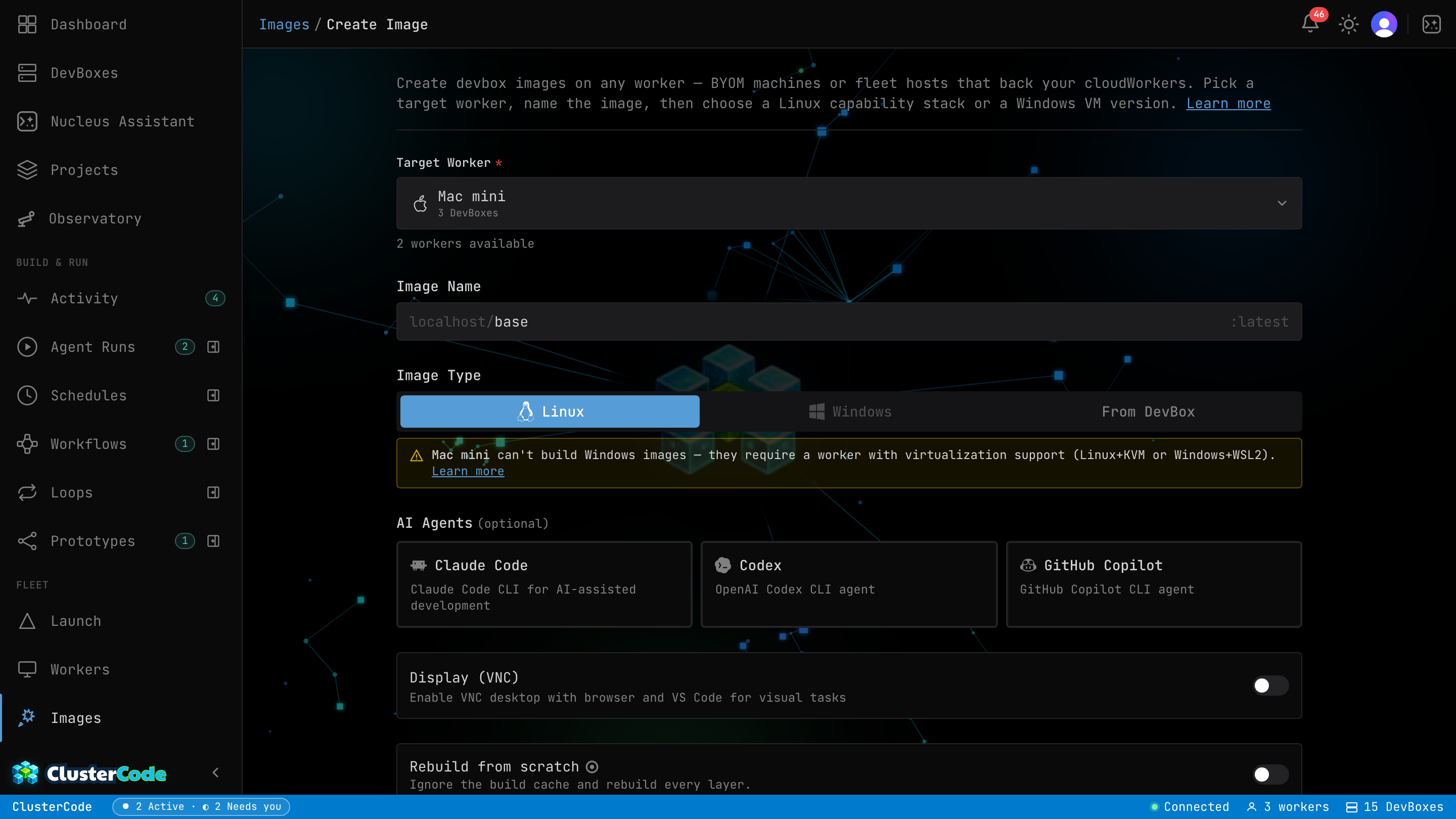
DevBox Catalog
Ready-made DevBoxes.
Or build your own.
ClusterCode ships with production-ready DevBox templates. Choose headless for pure coding, or pick the visual DevBox to watch your AI navigate a real desktop — perfect for frontend and browser-automation tasks.
Claude Code Display template streams a full Linux desktop with Chromium and VS Code over noVNC. Watch your AI agent open browsers, run Playwright tests, and interact with UIs — all from your dashboard.Already configured a DevBox by hand? Snapshot it into your own image and spin up identical boxes — even on your own machines — with everything preinstalled.
The Platform · Cloud workers
Don’t own a machine fleet? We’ll host one.
ClusterCode runs on your machines (BYOM — code never leaves them) or on Cloud workers: managed compute we host, for when you want to fan out a swarm of agents and don’t have the hardware sitting around. Same DevBoxes, same visual desktops, same agents — billed by the hour. Including real Windows machines, which no cloud-only rival offers.
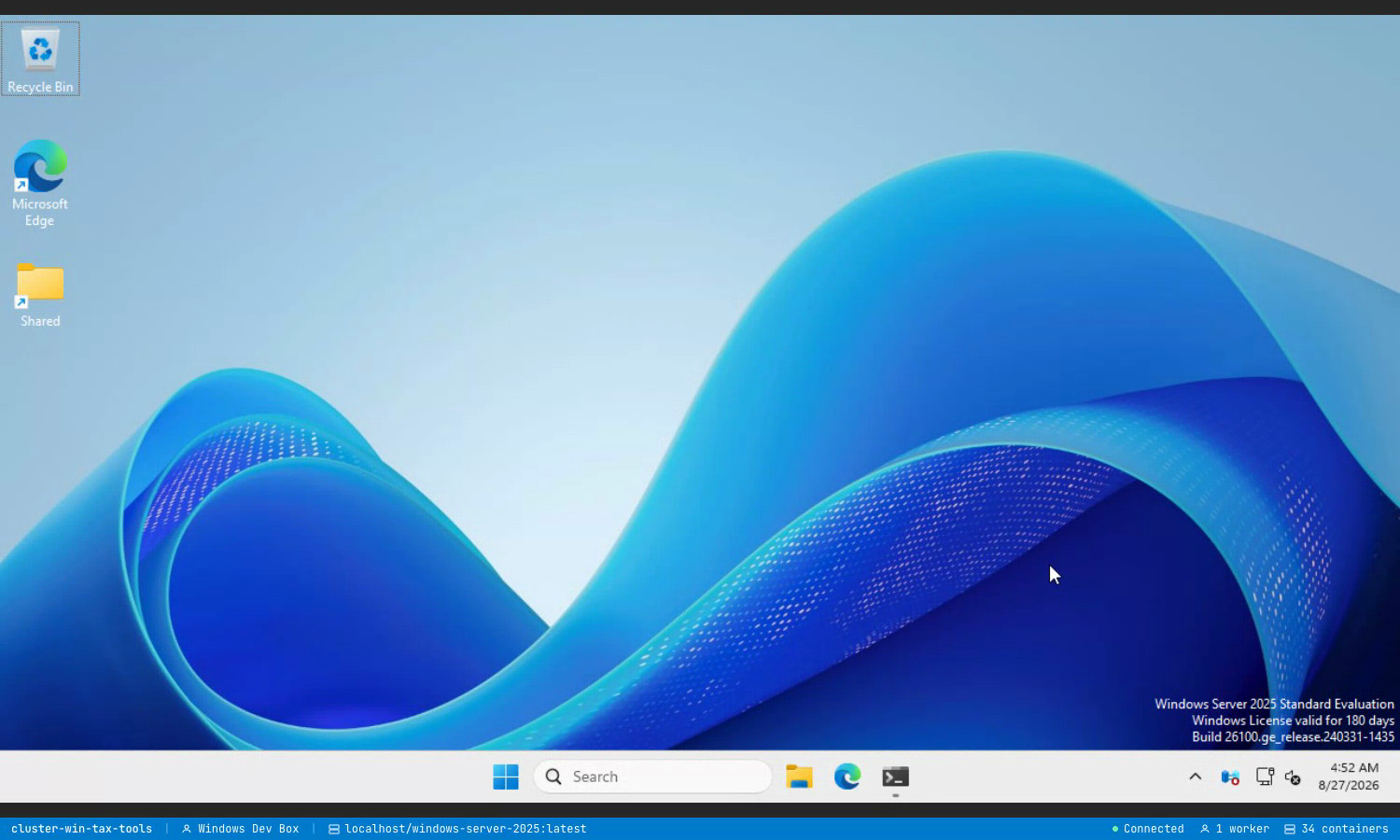
Starter is $9.99/mo and includes $4 in credits — AI assistance and compute, in one wallet. Compute is metered by the second, so you only pay for the machine while it’s actually running. No mystery units.
See full pricing →The Platform · Session portability
My agent remembers everything, everywhere.
Workers are interchangeable capacity — your work isn’t. ClusterCode syncs your agent’s logins, sessions, and settings off-host and hydrates them into your next DevBox automatically, on whichever worker has room. Lose a worker, switch machines, come back next week — your agent picks up right where you left off. Your code stays where it belongs: in your repos and on the machine that made it.
Authenticate once
Sign your agents in — Claude, Codex, Copilot — and they stay signed in on every worker you land on. No re-auth dance each time a container spins up.
History follows you
Your agent sessions and config travel with you across containers and workers. Start on one machine, pick the thread back up on the next.
Encrypted before it leaves
Everything is encrypted on the worker with your own per-user key before it ever reaches storage. Storage credentials alone read nothing.
The honest boundary: every newcontainer picks up where you left off — a running container isn’t live-synced while it works. We sync your logins, sessions, and config every few minutes; we never store your workspace files — on any worker. Your code lives in your repos and on the machine that made it. On your own machines, sync is opt-in.
How session persistence works →Security
"Dangerously" stops being dangerous — and you control exactly how safe.
Every agent runs in an isolated DevBox with a security profile you choose — from open experimentation to air-gapped, read-only, no-secrets compliance.
Isolated DevBoxes
Each agent sandboxed from host, peers & credentials.
Network egress control
Allowlist what the agent can reach. Block the rest.
Read-only filesystem
Lock the FS; carve out only what needs to write.
Privilege hardening
cap-drop ALL, no-new-privileges, resource caps.
IDE Integration
Never leave your editor.
ClusterCode lives inside VS Code.
The ClusterCode VS Code extension brings your entire DevBox fleet into a sidebar panel. Launch DevBoxes from GitHub Issues directly in your workspace, watch agents code in real time, and intervene with a live terminal — without switching apps.
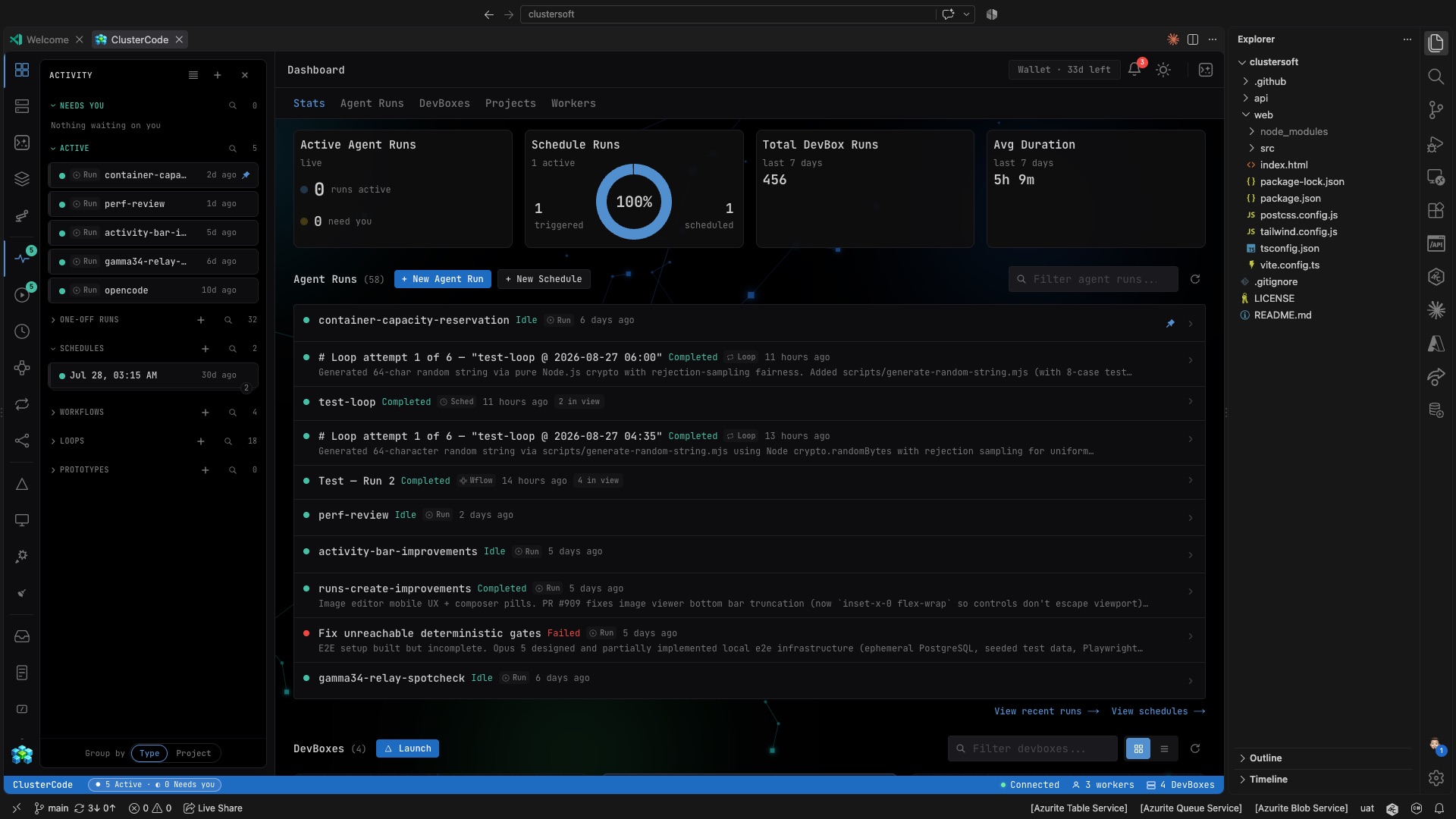
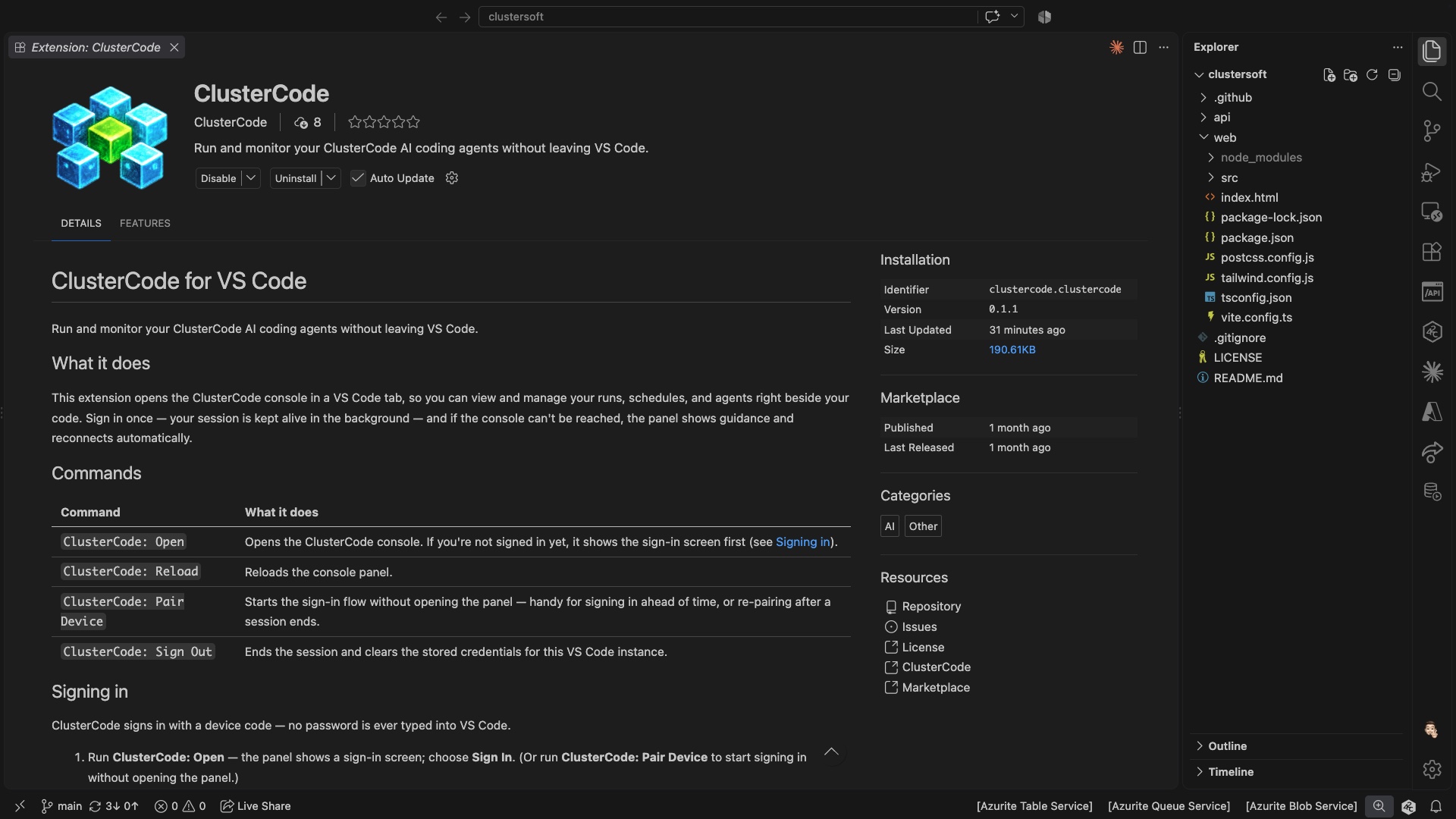
ClusterCode running inside VS Code — real DevBoxes, real workers
Your fleet is waiting.
Register your first worker in under 5 minutes, or start on a cloud worker and skip the setup entirely.
No credit card · 7-day full Pro access · Cancel anytime